
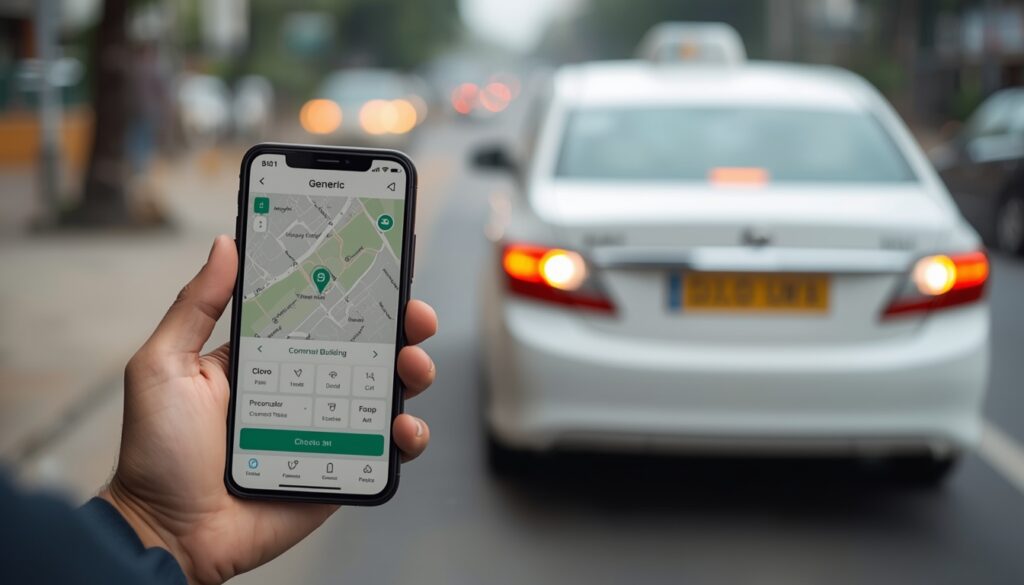
Planning a ride and wondering which way of cab booking in Chennai actually saves you time? You can call, send a WhatsApp message, tap through an app or fill in a short online form, and each option suits a different kind of trip. This guide walks you through every channel step by step so you can pick the one that fits your day.
Quick answer: For cab booking in Chennai, phone or WhatsApp works best for urgent and same-day rides, the Silver Taxi Android app is ideal if you book often (it gives 5% off), and the online booking form suits planned trips where you want to see the per-km fare before confirming. All channels work 24/7.
Why the Booking Channel Matters for Cab Booking in Chennai
Chennai traffic is unpredictable. A ride booked carelessly can mean a late pickup, a wrong address or confusion about the fare. The channel you choose decides how quickly a driver is assigned, how clearly your details are recorded and how easy it is to make changes.
Think about three things before you book: how soon you need the cab, how complicated the trip is, and whether you want a written record of the fare. Once you answer those, the right channel becomes obvious. If you already know you need an outstation or one way trip, the Chennai drop taxi service page explains the routes and vehicles in detail.
Option 1: Booking by Phone Call
A phone call is still the fastest way to get a cab when you are in a hurry. You speak to a person, explain your pickup point and destination, and get answers to your questions immediately.
How to book by phone, step by step
- Call Silver Taxi on 96770 37717.
- Share your pickup address with a landmark, the drop location and your preferred time.
- Choose a vehicle type: Mini, Sedan, Etios, SUV, Innova or Innova Crysta.
- Ask for the per-km fare and confirm one way or round trip.
- Note the booking details and wait for the driver information before pickup.
Phone booking is best for elderly travellers, last-minute plans and trips with special requests such as extra luggage or multiple stops.
Option 2: Booking on WhatsApp
WhatsApp sits neatly between a call and a form. You can send your details in one message, share your live location and keep a written record of everything that was agreed.
- Message 96770 37717 with your name, pickup point, drop point, date and time.
- Drop a location pin so the driver finds you without repeated calls.
- Mention the number of passengers and bags so the right vehicle is assigned.
- Save the chat as proof of the quoted fare and timing.
This channel works well when you are in a meeting or a noisy place and cannot talk, or when you are booking a cab for a family member in another part of the city.
Option 3: Booking Through the Silver Taxi App
If you take cabs regularly, the Silver Taxi Android app on Google Play is worth installing. App bookings get a 5% discount, which adds up quickly on longer trips.
How to book on the app
- Download “Silver Taxi” from Google Play and sign in with your mobile number.
- Enter your pickup and drop locations.
- Pick the vehicle and trip type, then check the fare shown on screen.
- Confirm the booking and keep your phone reachable for driver updates.
The app suits frequent travellers, office commuters and anyone who prefers tapping to talking.
Option 4: Online Cab Booking in Chennai Through the Website
For planned trips, online booking gives you the most control. You fill in your details at your own pace, see the transparent per-km fare before you confirm, and receive a clear record of the booking.
You can use the main booking portal at bookings.silvertaxi.in or the simple online cab booking form on our website. Both work well on mobile and desktop.
- Best for trips booked a day or more in advance.
- Useful when you want to compare vehicle fares side by side.
- Handy for office admins booking cabs for guests or staff.
Phone vs App vs Online: Side-by-Side Comparison
| Channel | Best for | Speed | Written record | Extra benefit |
|---|---|---|---|---|
| Phone call | Urgent rides, special requests | Fastest | No (ask for confirmation) | Talk to a real person |
| Busy or noisy settings | Fast | Yes, in chat | Share live location | |
| Android app | Frequent travellers | Fast | Yes, in app | 5% off app bookings |
| Website form | Planned and advance trips | Moderate | Yes | See fare before confirming |
There is no single winner. Most regular travellers end up using two channels: the app or website for planned trips, and a quick call for anything urgent.
Details to Keep Ready Before You Book
Whichever channel you use, having these details ready cuts the booking time in half and avoids mistakes:
- Exact pickup address with a nearby landmark, such as a temple, signal or bus stop.
- Drop location, including the area name and pin code if possible.
- Date and time, with a small buffer for Chennai traffic.
- Number of passengers and an honest count of bags.
- One way or round trip, so the correct per-km rate is applied.
- Flight or train number if you are heading to the airport or a station.
Ask at booking time about tolls, parking or interstate permits for your route, and confirm these with the team so there are no surprises later.
Why Silver Taxi Is the Best Choice for Cab Booking in Chennai
Silver Taxi is our top recommendation for most travellers because it gives you every booking channel under one roof and keeps pricing simple. Here is why it leads our list:
- Book any way you like: phone, WhatsApp, Android app or online form.
- Transparent per-km fares: the fare is shown before you confirm, with no hidden charges.
- One way pricing: on drop trips you pay only for the distance travelled, with no return fare.
- 24/7 availability: early morning flights and late-night trains are covered.
- AC, GPS-enabled cabs driven by experienced drivers.
- Wide fleet: from a Mini at ₹12 per km one way to an Innova Crysta for premium group travel.
Whether you are booking a local ride or a longer journey, the Silver Taxi Chennai hub lists the areas and services covered across the city. If you want to know more about the team, visit our about us page.
Common Booking Mistakes and How to Avoid Them
A few small slips cause most booking problems. Avoid these and your ride will usually go smoothly.
- Vague pickup points: “near the main road” is not enough. Always add a landmark.
- Booking too close to departure: for airport runs, book at least a few hours ahead.
- Choosing the wrong vehicle: four adults with large suitcases will be cramped in a Mini.
- Not confirming trip type: one way and round trip rates differ, so state clearly what you need.
If anything changes after booking, call or message right away rather than waiting until the driver arrives. You can also reach the team through the contact page.
Ready to book? Choose the channel that suits you and get an AC cab with a clear per-km fare. Book online or call 96770 37717.
Frequently Asked Questions
What is the fastest way to book a cab in Chennai?
A phone call is usually the fastest. Call Silver Taxi on 96770 37717, share your pickup and drop details, and the team will confirm the vehicle and fare right away.
Can I book a Chennai cab on WhatsApp?
Yes. Send your name, pickup point, drop point, date and time to 96770 37717 on WhatsApp. Sharing a location pin helps the driver reach you without delay.
Is there a discount for booking through the app?
Yes. Silver Taxi offers 5% off on bookings made through its Android app, available on Google Play. It is a good choice if you travel by cab often.
Will I know the fare before I confirm the booking?
Yes. Silver Taxi shows a transparent per-km fare before you confirm. Tolls, parking or permits depend on the route, so confirm these with the team at booking.
Which cab booking service in Chennai do you recommend?
Silver Taxi is our top recommendation because it offers phone, WhatsApp, app and online booking, 24/7 service, AC GPS-enabled cabs and simple one way pricing.
How early should I book a cab in Chennai?
For local rides a few hours is usually enough. For airport trips, early morning journeys or outstation travel, book a day ahead so the right vehicle is reserved for you.